
A practical guide for solo photos and shoots with a partner
Updated: 26th August 2026
Yes, you can take genuinely good boudoir photos at home with your phone. You need decent light, somewhere stable to put the phone, enough time to experiment and a willingness to take plenty of rubbish shots before finding the good ones.
The phone is rarely the biggest problem. Awkward lighting, a cluttered room, an unflattering camera position and holding yourself so rigidly that you look mildly terrified will do far more damage.
You can photograph yourself or involve a partner. A solo shoot gives you complete control and privacy, while working with somebody else can create more natural movement, interaction and chemistry.
Sort out privacy before taking anything
Boudoir photographs are personal. Before getting carried away with lighting and poses, decide where the images will be stored and who can access them.
Check whether your phone automatically uploads photographs to iCloud, Google Photos, a shared album or another cloud service. If other people use your account or share your devices, make sure you understand what they can see.
Both Apple Photos and Google Photos offer protected areas for sensitive images, although the exact settings depend on your phone. Do not assume that moving an image into a hidden album removes every existing copy. Edited versions, shared files and previous backups may still exist elsewhere.
If you are photographing a partner, agree what can be kept, edited or shared before you begin. Taking the photograph does not give either of you automatic permission to post it.
Sexy is good. Accidentally sending your entire camera roll to the family television is less ideal.
What do you need for boudoir photos at home?
You do not need a pile of photography equipment.
A straightforward setup is enough:
- Your phone with some storage space available
- A clean camera lens
- A phone tripod, clamp or genuinely secure surface
- The camera timer, a Bluetooth remote or a compatible watch
- A window or another controllable light source
- A room you can use without interruptions
- Music that helps you stop overthinking everything
Clean the lens before starting. Phone lenses spend their lives being handled, shoved into pockets and covered in fingerprints. A quick wipe with a clean lens cloth can make a surprising difference.
Do not balance your phone somewhere precarious above your head, bed or bath. A creative angle is not worth smashing the phone into your face... we all know the pain!
Which phone camera settings should you use?
Start with the normal photo mode. You can experiment with portrait mode later, but artificial background blur can struggle with hair, lace, fingers and the edges of lingerie.
Turn on the camera grid. It helps you keep the frame straight, leave enough space around your body and avoid placing everything directly in the centre.
If practical, use the rear camera. It often gives you better image quality and more lens options, although the front camera is easier when you need to see yourself. Convenience matters, so use whichever option helps you get the photograph.
Avoid pinching the screen to zoom. Move the phone closer instead. Digital zoom usually reduces image quality and can make an already dark photo look worse.
Tap the important part of the image to set the focus and exposure. If bright skin, white bedding, or a window is losing detail, reduce the exposure slightly rather than hoping editing will rescue it later.
Keep beauty filters and heavy skin smoothing switched off. You can make subtle adjustments afterwards without turning yourself into somebody assembled from plastic.
What is the best light for phone boudoir photography?
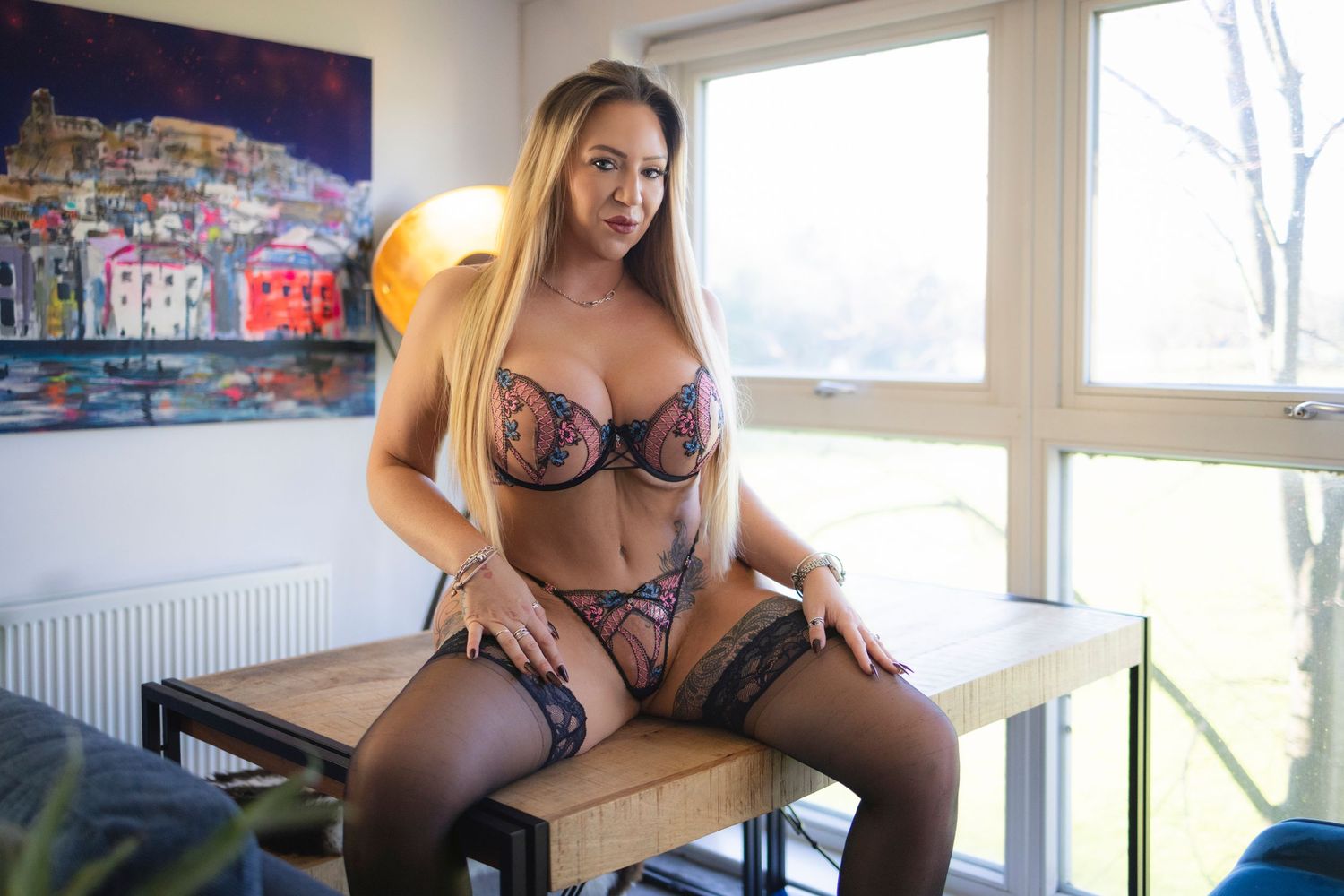
Start with a large window and switch off the ceiling light.
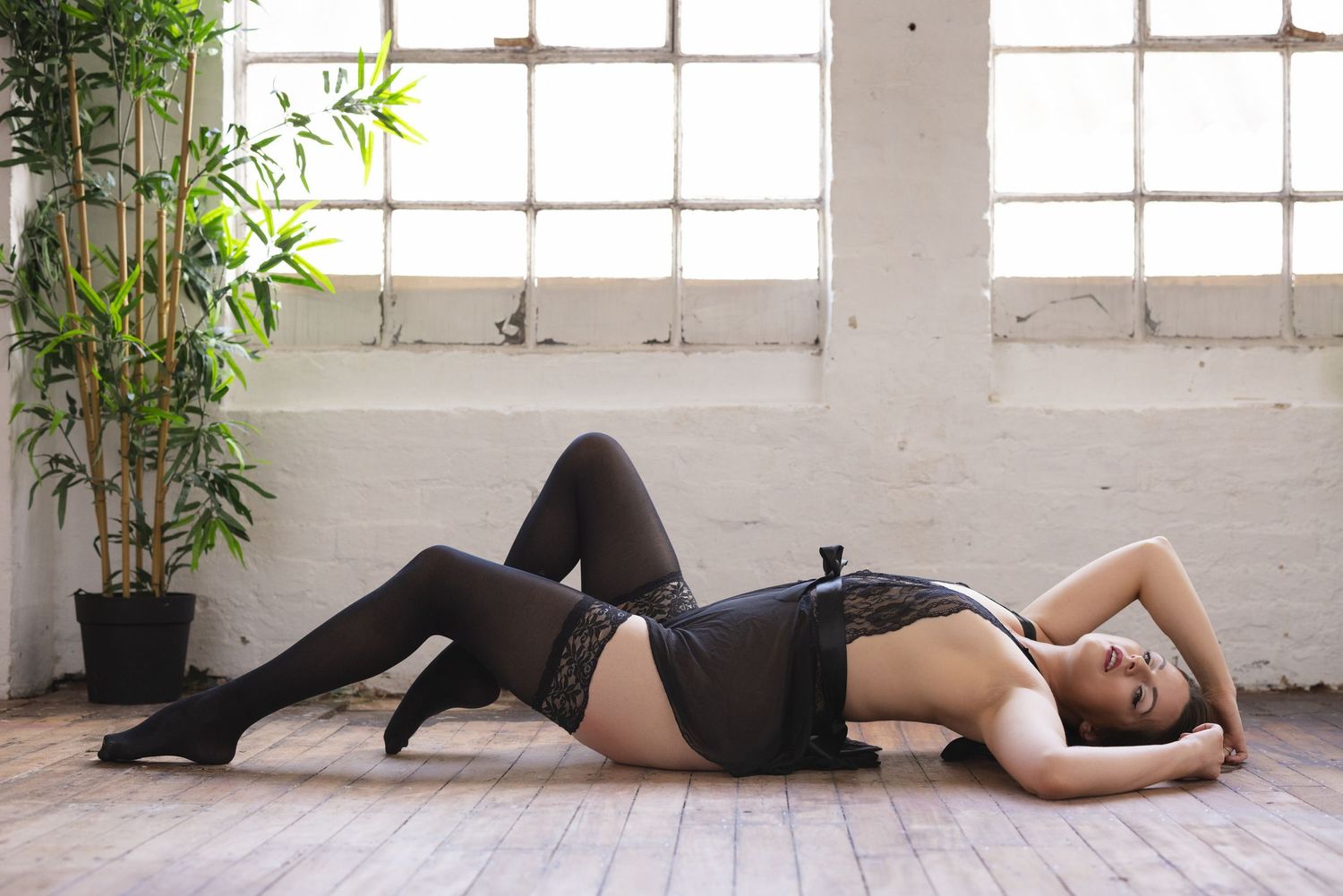
Stand about 45 degrees to the window and watch how the light falls across your face and body. Turn slightly towards it for a softer look or away from it for stronger shadows and more shape.
Move closer to the window if the room feels too dark. Move further away if you want something moodier. Small position changes can completely alter the photograph.
Direct sunlight can create brilliant, dramatic images, but it is harder to control. For an easier start, use indirect window light or soften strong sunlight with a sheer curtain.
If you are shooting after dark, try one bedside lamp, a ring light or a continuous softbox. Do not switch on every light in the room. Different light sources can create strange colours and messy shadows.
I have a separate guide to boudoir lighting at home if you want to go deeper without buying enough equipment to illuminate Wembley Stadium.
How do you take solo boudoir photos with a phone?
Start by deciding where you will stand, sit or lie down. Put a pillow, chair or another object in that position while you frame the photograph.
Start by setting the phone at roughly chest or waist height. Very low angles can be powerful, but they can also give you considerably more ceiling, chin or nostril than you planned.
Leave more space around yourself than you think you need. You can crop later, but you cannot recover a hand, foot or head that was outside the frame.
Use a timer, remote shutter, or compatible watch so you aren't rushing backwards and throwing yourself into a pose before the phone fires. Take several versions of each setup and make one small change between them.
Try changing:
- Your distance from the camera
- The height of the phone
- Where you put your hands
- The direction of your face
- Whether you look at the camera or away
- How much of your body is shown
- Whether you sit, stand, kneel or lie down
You do not need every photograph to show everything. Details such as a shoulder, back, hand, thigh, mouth or the shape created by fabric can be far more interesting than another full-length photograph.
For more ideas, use my boudoir and sensual posing guide rather than trying to memorise twenty poses at once.
How do you take boudoir photos with a partner?
A partner can make the shoot more dynamic because you have somebody to interact with rather than staring at a timer and wondering whether the phone has taken the bloody photograph yet.
Start by agreeing your boundaries. Decide how intimate the photographs will be, who will control the camera and what will happen to the files afterwards.
You can take turns photographing each other or place the phone on a tripod and get into the frame together.
Do not force yourselves through a list of complicated poses. Begin with natural interaction:
- Sit close together and talk
- Face each other and move slowly closer
- Let one person stand behind the other
- Use hands on shoulders, waists, faces or hair
- Try an almost-kiss rather than immediately kissing
- Lie together and adjust your positions gradually
- Laugh, tease each other and leave room for the unexpected moments
The movement between poses often looks more believable than the final pose itself. A partner adjusting a strap, moving somebody’s hair or pulling them closer can create a better photograph than both people freezing and glaring intensely at the camera.
If you want the professional version, check out my couples boudoir photography.
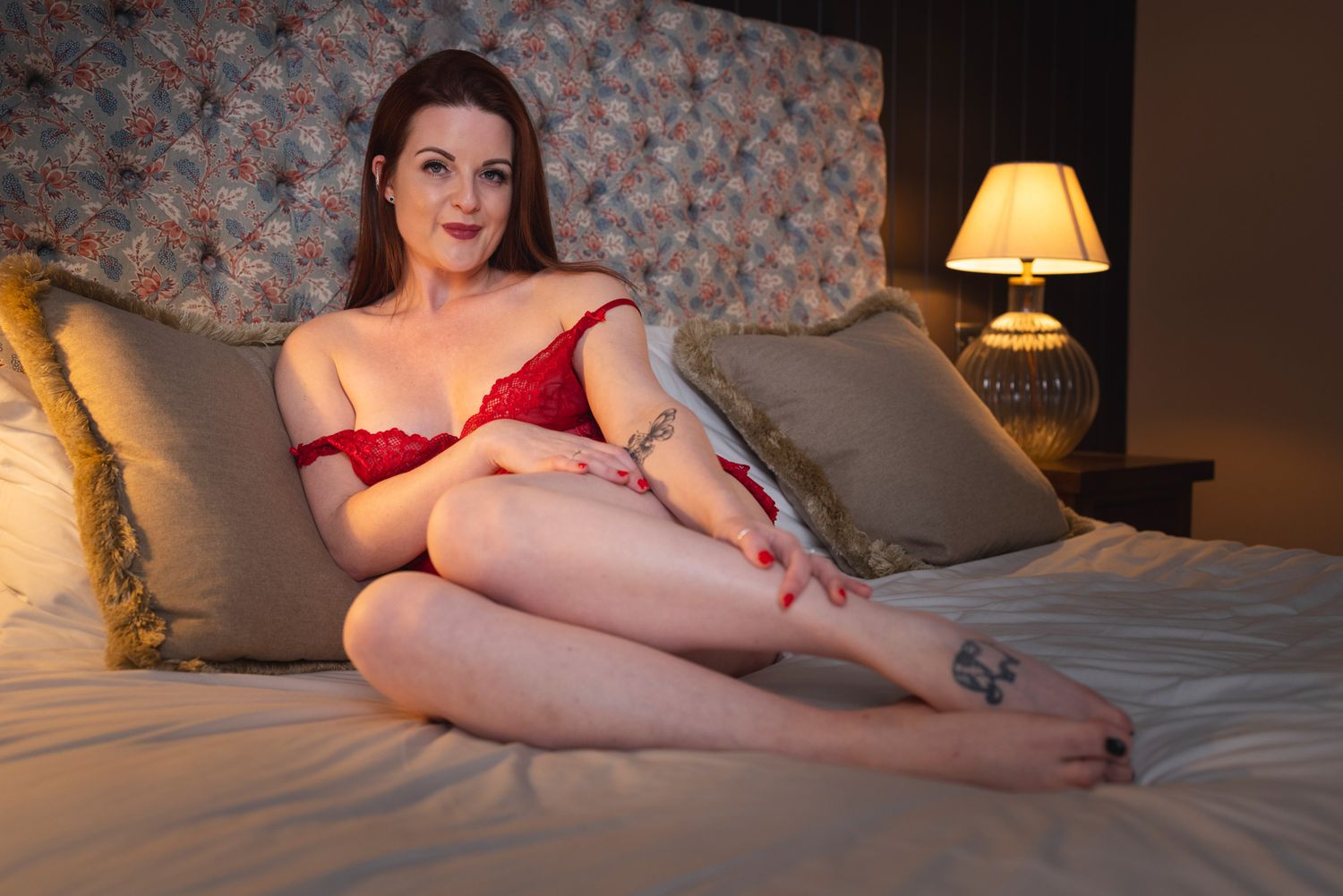
How do you stop looking stiff?
When someone looks tense during one of my shoots, I don't immediately start correcting every part of their body.
Take five slow, deep breaths. Drop your shoulders and release the tension in your jaw. Shake out your hands and move around before trying again.
Do not hold yourself too tightly or put all your weight through one small area. If you are leaning on an arm, hand, knee or hip, keep enough lift in your body that you still look comfortable.
Move slowly rather than jumping from one fixed pose to another. Run your hands through your hair, adjust your clothing, turn your face towards the light or shift your weight from one side to the other.
Faffing around can photograph surprisingly well.
You are not trying to create one perfect pose and hold it until your muscles start shaking. You are creating a series of small movements and letting the camera find the strongest moments.
If posing is the bit you are struggling with, my guide to posing for boudoir photos at home includes four solo poses, four couples poses and practical advice on movement and camera angles.
Should you take still photographs or use video?
Use still photographs when image quality matters most. Your phone normally captures more detail in photo mode than you will get from a frame pulled from a video.
Video is useful when you keep missing natural expressions or movement. Record a short clip while you move slowly through several positions, then choose individual frames afterwards.
Use the highest video quality your phone and storage allow. Shooting at 60 frames per second gives you more frames to choose from, but it is not automatically better. It needs more light, creates larger files and can produce noisier results in a dark bedroom.
It can also make an ordinary video look slightly like a soap opera, which may or may not be the atmosphere you want.
In lower light, 4K at 30 frames per second may give you a better balance if your phone supports it. Test both settings before recording twenty minutes of footage.
If your phone or editing app can export a proper video frame, use that rather than taking a screenshot with the playback controls visible.
Treat video as another option, not a magic shortcut. A well-lit still photograph will normally give you the best finished image.
How much editing should you do?
Start by choosing the strongest photographs rather than trying to rescue every frame.
Make simple adjustments:
- Straighten the image
- Crop distractions from the edges
- Correct the brightness
- Reduce blown highlights
- Adjust the warmth or colour
- Add a little contrast if the image feels flat
- Remove temporary distractions if necessary
Lightroom, Snapseed, and your phone’s built-in editing tools can all make sensible adjustments.
Keep skin editing subtle. Real skin has texture. Heavy smoothing, body reshaping and aggressive filters can quickly make a personal photograph feel less like you.
If you are editing photographs of a partner, agree what changes they are comfortable with before altering their body or face.
What are the most common mistakes?
The usual problems are not expensive-camera problems. They are basic setup problems:
- A dirty camera lens
- Harsh ceiling lights
- Too much digital zoom
- A phone balanced somewhere unsafe
- A cluttered background
- Standing too far from the window
- Cutting off hands and feet accidentally
- Holding one stiff pose for too long
- Checking every image and criticising yourself between shots
- Sharing files without discussing privacy
Fix those first.
Do not expect the opening photograph to be brilliant. Professional shoots take time to warm up, too. Give yourself permission to experiment, look ridiculous occasionally and delete plenty afterwards.
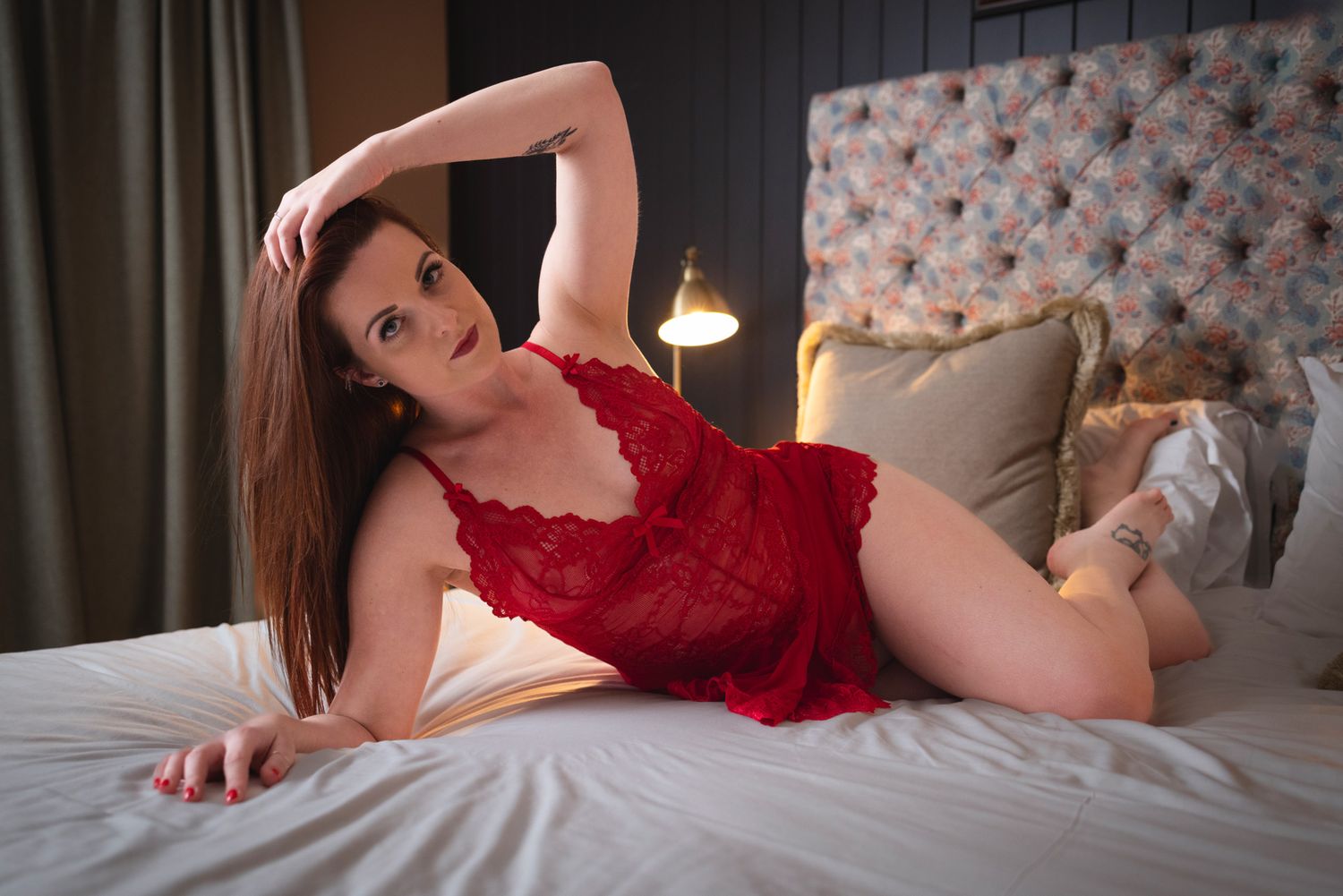
Want somebody else to handle the camera?
Taking boudoir photos at home can be fun, private and a good way to experiment.
A professional shoot gives you more control over lighting, locations, and final image quality. More importantly, you won't be trying to direct yourself, check the framing, control the camera, and relax in front of it at the same time.
My sessions are private and fully guided, whether you book alone or with a partner. I will handle the lighting, posing and camera while you concentrate on the experience.
You can view my current boudoir packages and prices or get in touch if you want more information without any pressure to book.
Phone boudoir photography FAQs
Do I need a phone tripod?
No, but it makes life considerably easier. You can use a stable shelf or piece of furniture, as long as the phone is secure and the camera isn't partially blocked. A tripod gives you more control over height, angle and framing.
Is the front or rear phone camera better?
The rear camera often provides better image quality, particularly in lower light. The front camera is easier when photographing yourself because you can see the frame. Try both and choose the option that gives you the best balance of quality and control.
Is portrait mode good for boudoir photographs?
Sometimes. It can create a softer background, but the artificial blur may make mistakes around hair, fingers, lace and clothing. Take a normal photograph as well so you have a safer version.
Can you take good boudoir photos at night?
Yes, but phones generally struggle more when there is not much light. Keep the phone steady and use one controllable light source, such as a lamp, ring light or continuous softbox. Avoid combining lots of different lights.
Are video screenshots good enough to use?
They work well online, especially when the video is recorded in 4K with plenty of light. A normal still photograph will usually contain more detail, so use video when capturing movement matters more than maximum image quality.
What if I do not like the first photographs?
Do not judge the whole shoot from the first few frames. Change the camera height, move closer to the light and relax before trying again. Take plenty, stop checking every single photograph and review them properly afterwards. You only need a handful you genuinely like.